Quick and Easy Setup
Fully undetectable and works on all browsers and platforms. Follow the steps below to install.
Choose your device
Choose your installation method
1
Install a Userscript Manager
🐒
Tampermonkey
Most popular userscript manager
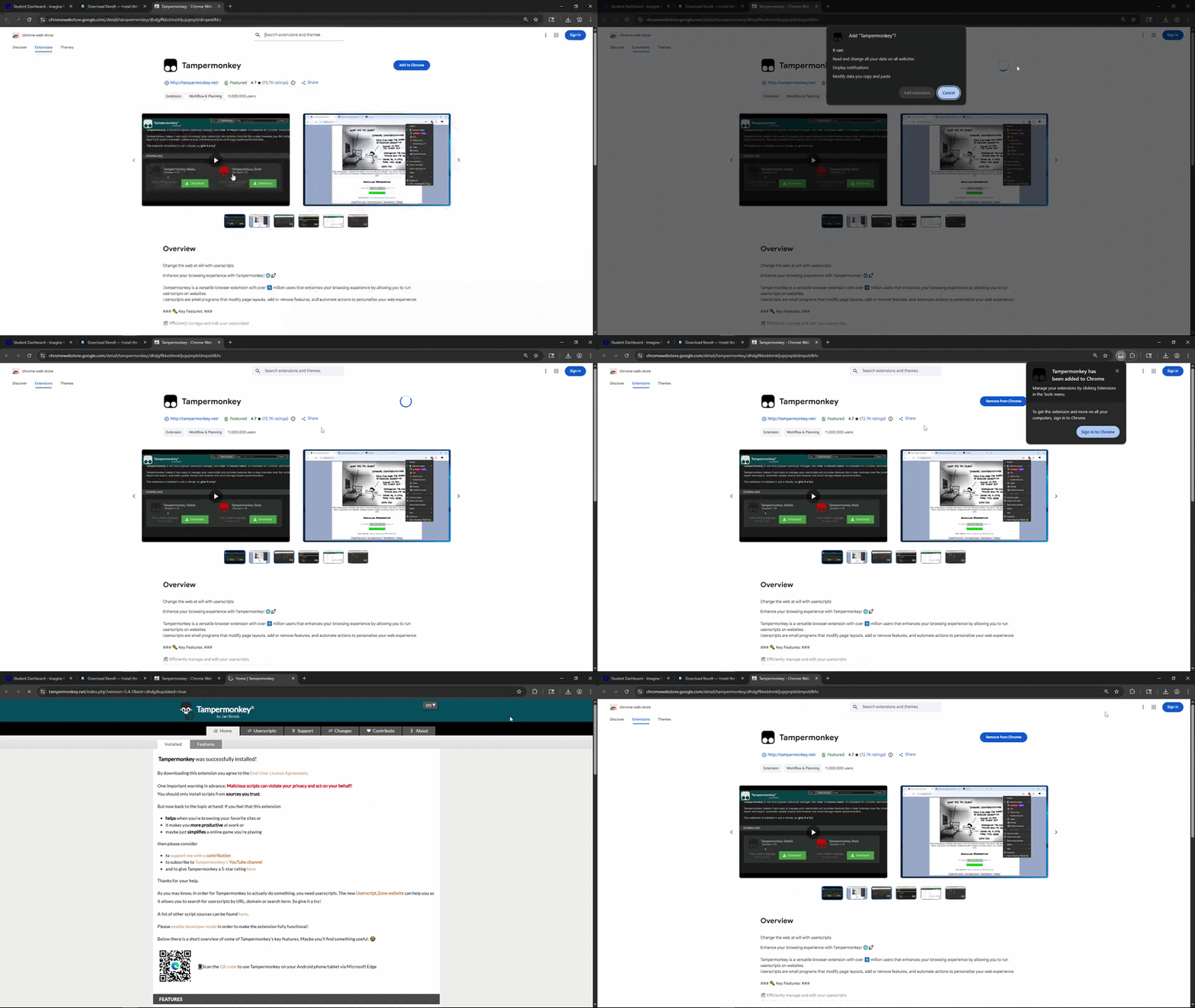
Installing Tampermonkey from the browser store
2
Enable Developer Mode & Userscripts
Tampermonkey requires Developer Mode and userscripts to be enabled. Select your browser below:
- Go to
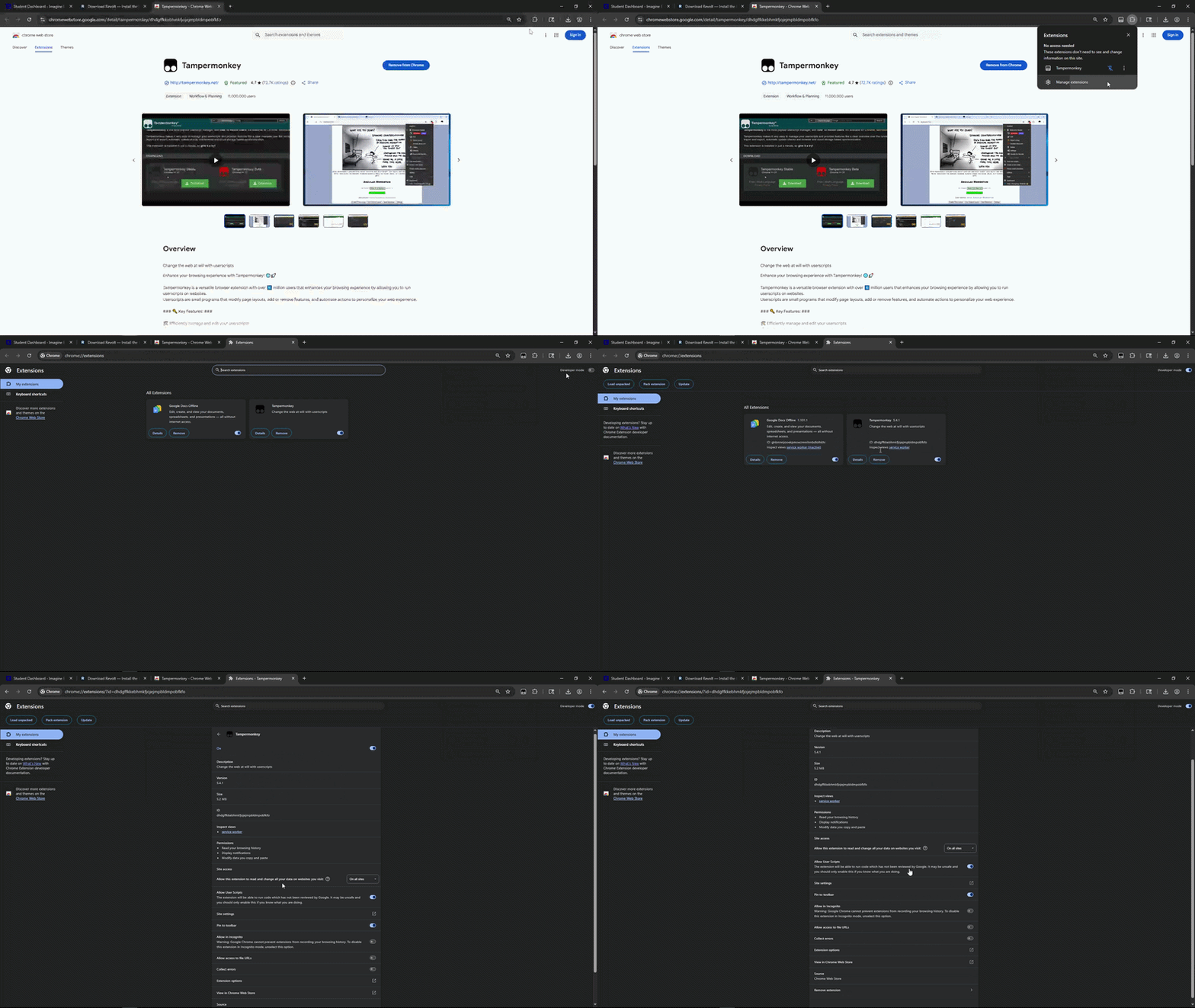
chrome://extensions/ - Toggle Developer mode in the top-right corner
- Click the Tampermonkey extension icon in your toolbar
- Select "Enable userscripts" if prompted
Enabling Developer Mode & allowing userscripts
3
Download & Install the Script
Revolt Userscript
Click the button below to download. Tampermonkey will automatically open and prompt you to install.
Installation Steps
- 1Click the Download Script button above
- 2Tampermonkey will open a new tab showing the script details
- 3Click the Install button in Tampermonkey
- 4The script is now installed and will run automatically on Edgenuity
4
Start Using Revolt
You're All Set!
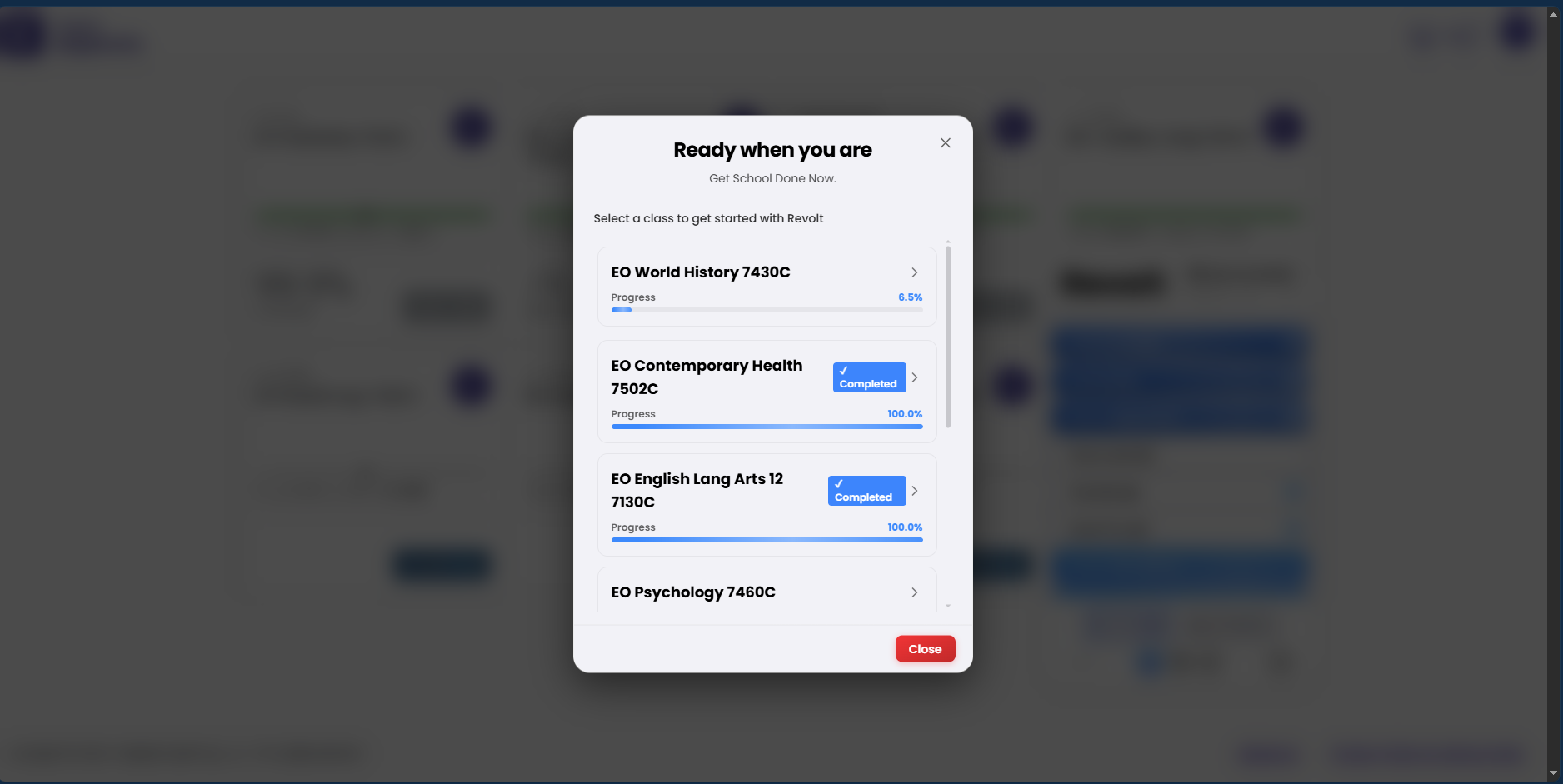
Go to Edgenuity and log into your account. Revolt will automatically activate and you’ll see the Revolt panel appear on the page.
- Auto-advance through activities
- Auto-answer quizzes and assignments
- Skip intros and instructions
- And much more...
- A modern browser (Chrome, Firefox, Edge, or Brave)
- Tampermonkey/Violentmonkey (userscript) or RevoltX extension installed
- Developer Mode enabled (Chrome/Edge only)
- An active Revolt license key or subscription
Ready to get started?
Fully undetectable. Works on all browsers and platforms. Get your license and start automating today.
1 / 4
Install Manager